Apps and Tools for Identifying Plants
How photo identification apps, Google Lens, field guide apps and identification keys help you name a prairie plant, and where each tool falls short.

Contents
Apps and tools for identifying plants turn a photo or a set of observed features into a possible name, and each type of tool suits a different moment in the field. A photo-based plant identification app gives a fast first guess from your phone camera, while an identification key asks you to answer questions about leaves, stems and flowers. Knowing what each tool does well keeps you from trusting a single answer too far.
Photo identification works from shape and color
Photo-based plant identification compares your image against a library of labeled plant photos and returns likely matches. Image recognition reads leaf shape, flower structure, arrangement and color, then ranks the candidates. A clean, close, well-lit photo of the leaves and any flower gives the tool the most to work with. Blur, distance or a single leaf in shadow pushes the guess toward lookalikes.
Google Lens and image search tools
Google Lens can identify plants from a photo and returns visual matches rather than a single verified name. You point the camera or upload an image and the tool offers similar pictures, pages and a suggested name. It works as a starting point for image search for plants when you have no dedicated app open. Treat the result as a lead to check, not a final label.
Field guide apps and identification keys
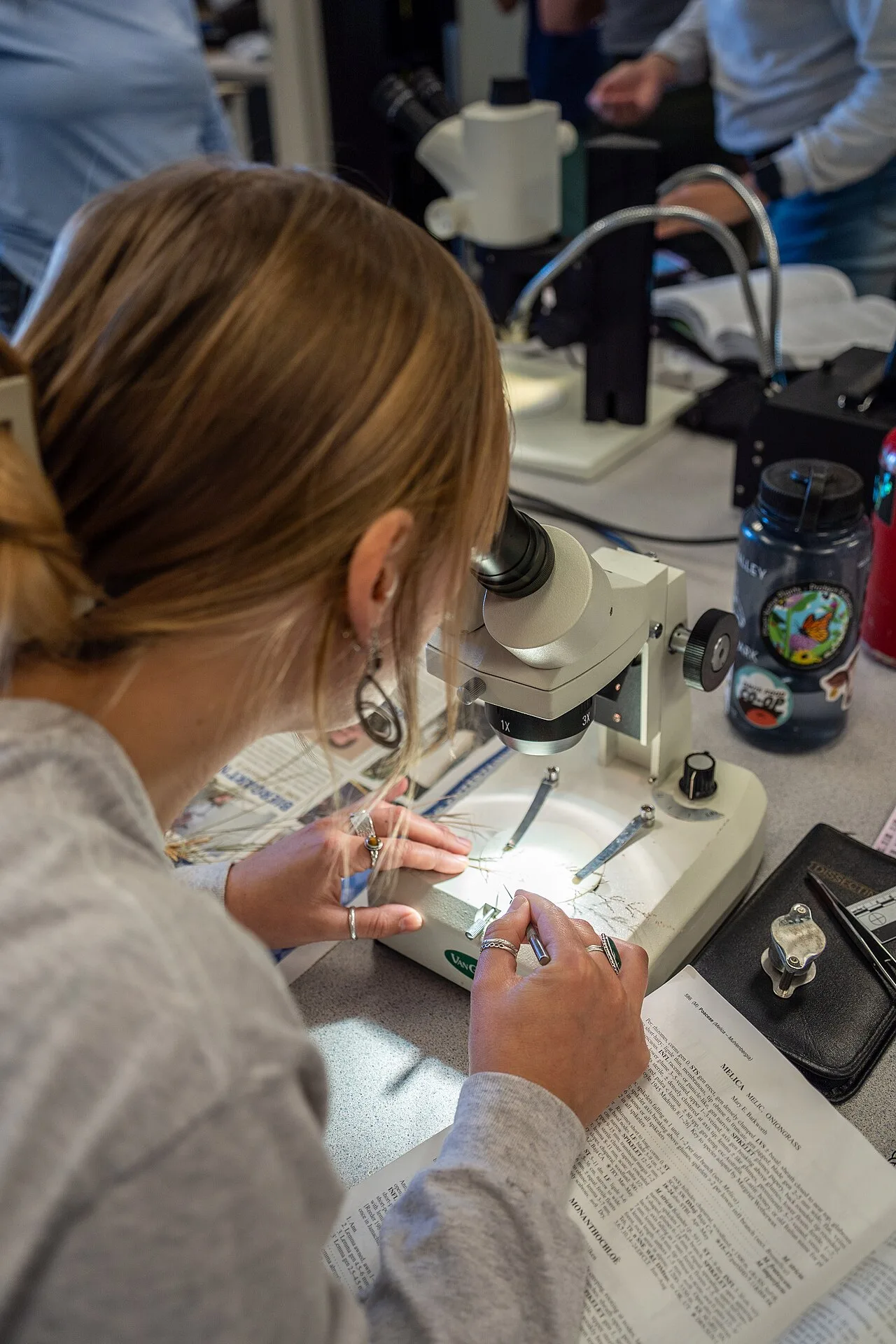
Field guide apps and botanical reference tools organize information by family, habitat and season instead of by image alone. An identification key walks you through paired choices about stem, leaf and flower until the options narrow, and that process teaches the features you are seeing. Many field guide apps combine photos, range maps and descriptive text in one place. These tools reward a careful look at the plant in front of you.
Questions about plant identification tools
Can Google Lens identify plants?
Yes, Google Lens can identify plants from a photo and returns visual matches with a suggested name. It works as an image search for plants and shows similar photos and pages. The result is a lead: check the suggested name against a botanical reference tool before you record it. Lens struggles with seedlings, grasses and plants photographed at a distance.
Can I identify a plant from a photo?
Yes, you can identify a plant from a photo, and a photo-based plant identification app is the quickest way to try. Sharpen the photo by filling the frame with leaves and any flower or seed head. Take a second image of the whole plant and its setting so the app sees growth habit and habitat. Photo identification gives a probable name, and difficult groups such as grasses may need a key and a specialist.
What can you use to identify plants?
You can use a plant identification app, Google Lens, a field guide app or a printed identification key, and the choice depends on what you carry and how sure you need to be. A phone app suits a quick check on a walk. An identification key suits a careful study of features at home. Many people combine a photo guess with a reference tool before trusting a name.
Where can I identify a plant?
You can identify a plant wherever you have a phone signal, a field guide app loaded, or a printed key in your bag. Out on a prairie, a downloaded field guide app and a camera work without a connection. An identification website or image search for plants needs a connection, so save the results for later checking. A local herbarium or botanical specialist can confirm names that apps leave uncertain.